Plane manipulation during running script

Hi,

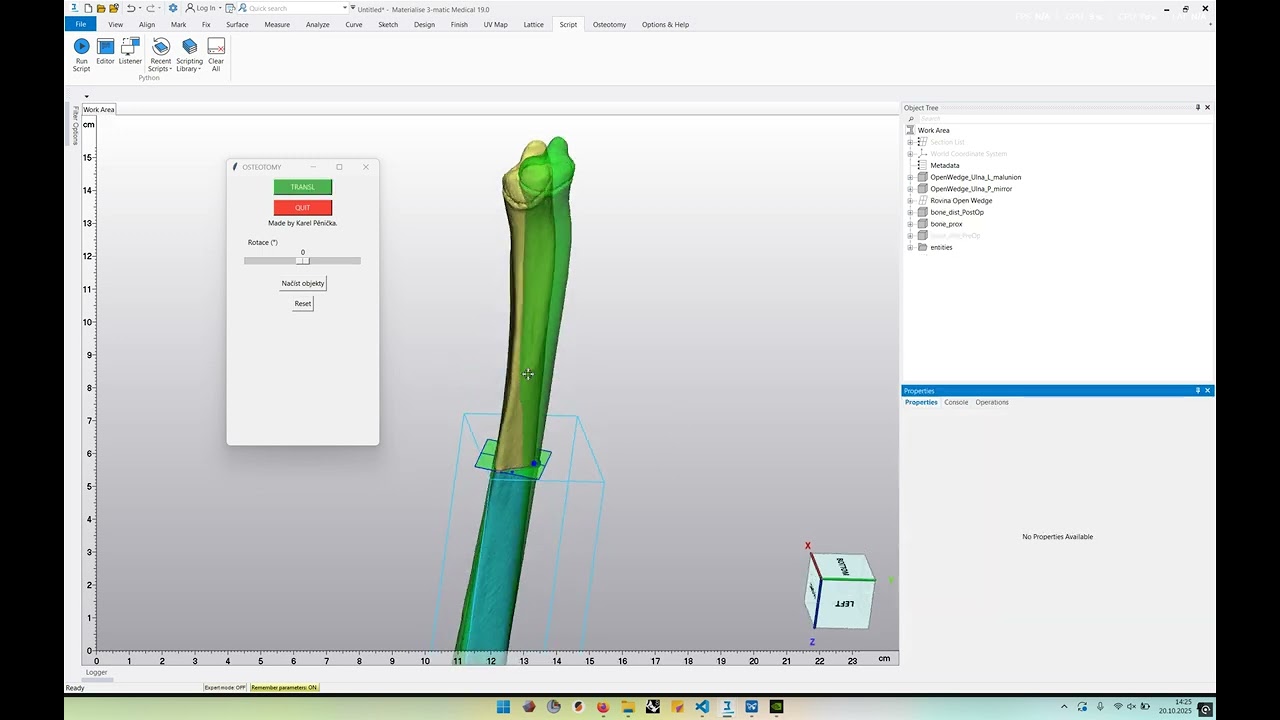
I have a Python script for performing osteotomies, which includes my own custom GUI.
At one point in the workflow, I need to select the osteotomy plane in 3-matic, translate it manually, and then click Compute.

However, while the script is running, 3-matic does not allow me to interact with the model (e.g., selecting or moving the plane).

Is there any way to make this possible — for example, to temporarily allow manual interaction with 3-matic while a script is still active?

Thank you very much for your help.

Karel

Hi Karel,

For interactive translation, one API you can use is activate_translate_rotate(main_entity=None, move_along_entities=None, translation_step=None, rotation_step=None)

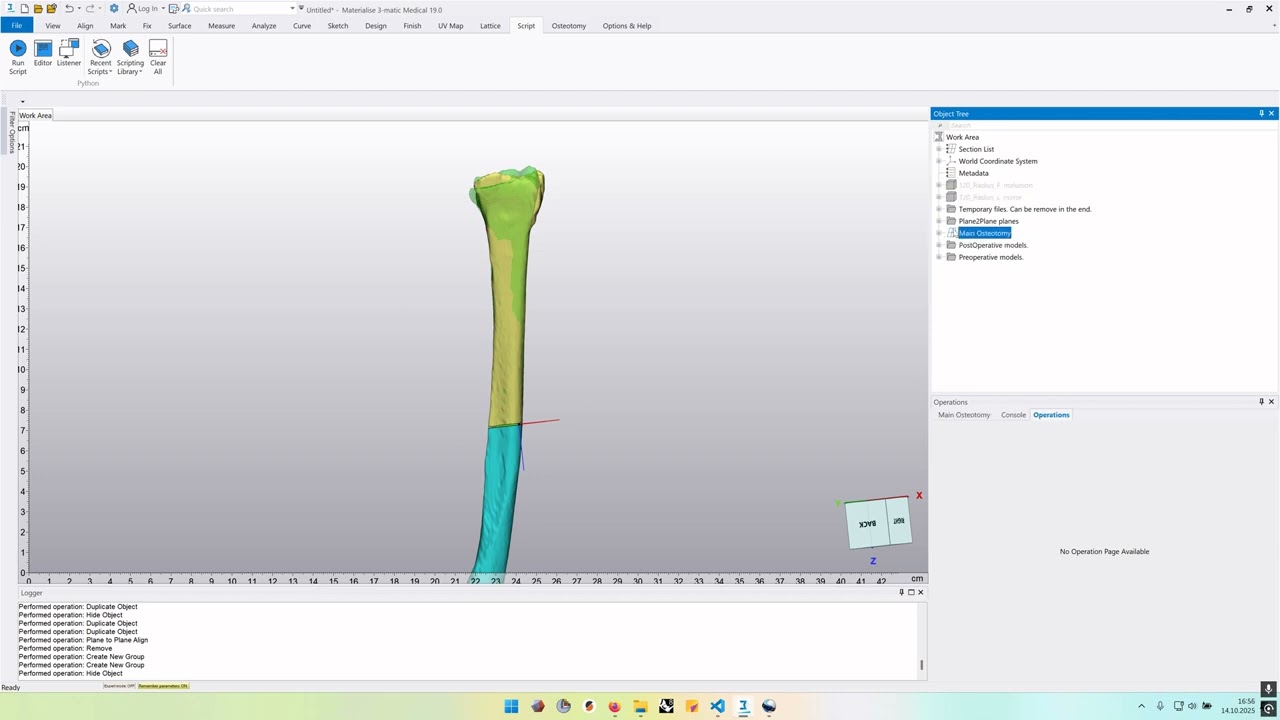
Please try and let me know if this helps! :)

Kind regards,

Imanina

1 Like

You are brilliant mind …

It works. Thank you.

I use it in this script. It was recorded before i rewrite code with your advice.

Thank you again.

Hi Karel!

When working with custom GUIs in 3m I found very useful to hide the “Executing Python script” sign. With:

trimatic.suspend_progress()

trimatic.resume_progress()

at the beginning/ end of the script you can toggle on/off that progress bar. Hope this is useful for you too. Loved your script btw!

Hi Agustin.

Thank you for your useful advice. I started using it in all my scripts. Do you have any other interesting tips?

I got it in another Open wedge script.